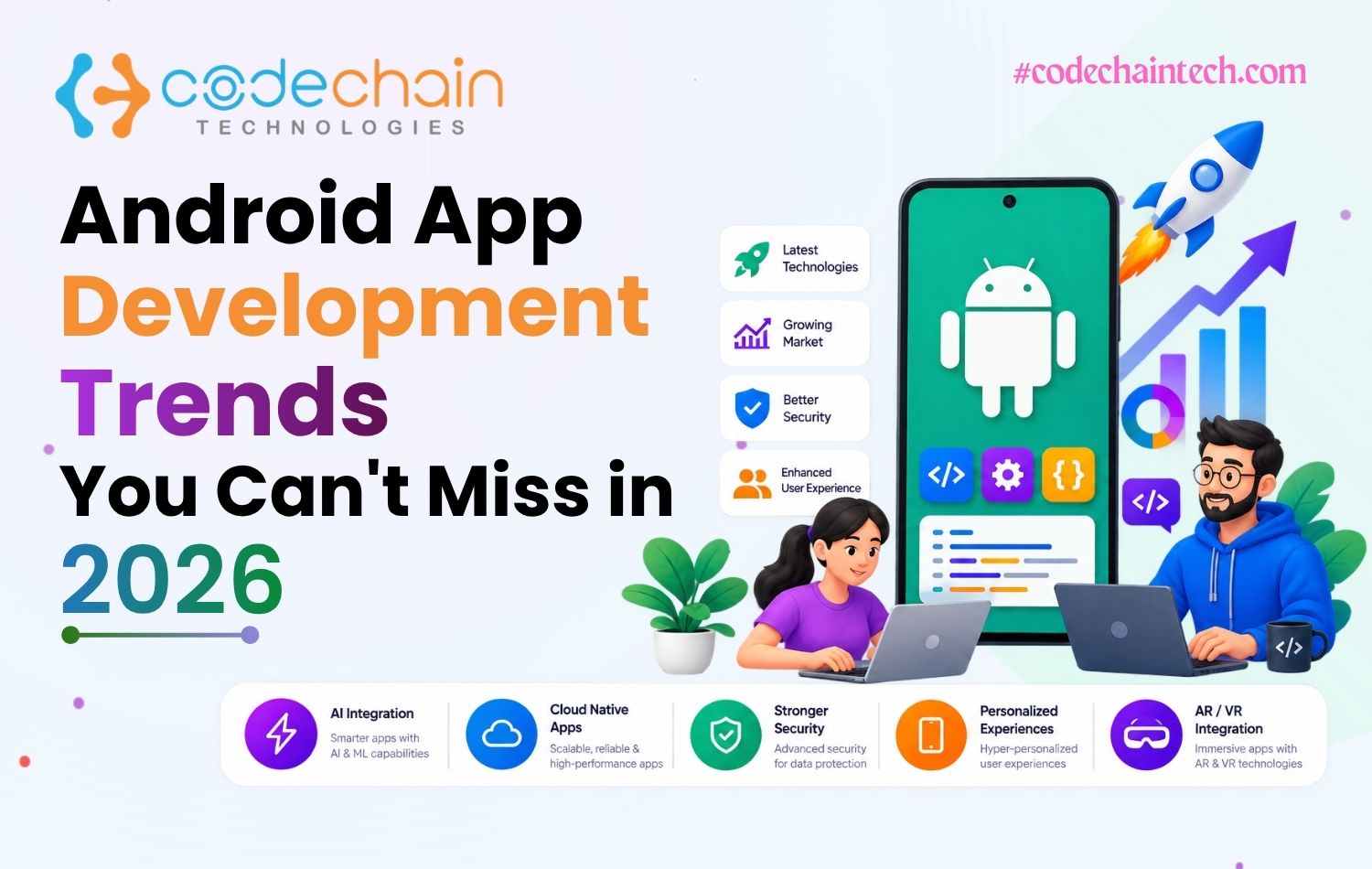
Android powers billions of devices worldwide, and almost every business now relies on mobile apps to reach customers. That makes Android app development one of the smartest investments for startups and enterprises alike.
But the Android ecosystem moves fast. New tools, new design rules, and new user expectations arrive every year, and apps that ignore them quickly feel outdated.
In this guide, we cover the Android app development trends that matter in 2026, how to build an app step by step, and how to choose the right development partner.
What Is Android App Development?
Android app development is the process of designing, building, and publishing apps for devices that run the Android operating system. These apps range from simple tools like calculators and note-takers to banking, e-commerce, and logistics platforms.
Developers mainly use Android Studio, the Kotlin language, and Jetpack libraries and APIs to create apps that are modern, secure, and fast.
A good Android app is not only about code. It also needs a clear purpose, a smooth user experience, strong security, and regular updates after launch.
Why Android Still Matters for Businesses in 2026
Android remains one of the strongest platforms for business growth. Here is why:
Huge reach:
Android runs on billions of active devices, from budget phones to premium foldables.
Leading platform in India:
The vast majority of smartphone users in India use Android, so Indian businesses reach most of their audience here.
Open ecosystem:
Developers can integrate payments, GPS, cameras, sensors, and cloud services with few restrictions.
Many device types:
One platform covers phones, tablets, TVs, wearables, and cars.
Low entry cost:
Google Play charges a one-time developer registration fee, while Apple's developer program is billed every year.
Choosing between platforms? Our comparison of Android vs iOS app development can help you decide.
10 Android App Development Trends for 2026
Here are the trends shaping Android apps this year.
On-Device and Generative AI
AI is now a core part of modern apps. Android apps use it for chatbots, personalized recommendations, voice help, image recognition, and smart automation.
Google also supports on-device AI models such as Gemini Nano on supported devices. These can handle tasks like summarizing text or suggesting replies without sending data to the cloud, which improves both speed and privacy.
If you want smart features in your app, explore our AI development services.
Jetpack Compose and Modern UI
Jetpack Compose is Android's modern toolkit for building native interfaces. It needs less code than the older XML approach, and Google recommends it for new apps.
Together with the Material 3 design system, it helps teams build clean, consistent, and animated interfaces faster. For businesses, that means quicker releases and easier updates.
Kotlin-First Development and Kotlin Multiplatform
Google has been Kotlin-first for years, and Kotlin is now the default choice for new Android apps. It is concise, safe, and easier to maintain than Java.
Kotlin Multiplatform goes a step further. It lets teams share business logic between Android and iOS while keeping fully native interfaces on each platform.
Cross-Platform Development With Flutter
Many startups no longer build separate apps for each platform. Flutter lets one team ship a high-quality app on Android and iOS from a single codebase, which cuts both cost and launch time.
For a closer look, read why Indian startups prefer Flutter for custom app development.
Stronger Privacy and Security
Users and regulators expect apps to protect personal data. Laws such as India's Digital Personal Data Protection (DPDP) Act make privacy a business requirement, not an option.
In 2026, strong Android apps use biometric login, passkeys, encrypted storage, and the Play Integrity API to detect tampered apps. They also rely on a secure backend development setup with proper authentication and API protection.
Foldables, Tablets, and Wearables
Android is no longer only about phone screens. Foldables, tablets, smartwatches (Wear OS), TVs, and in-car systems are all growing categories.
Google encourages adaptive layouts that respond to different screen sizes. Apps that work well across devices give users a better experience and reach a wider audience. A shopping app, for example, can show a simple list on a phone and a richer two-column view on a tablet.
Cloud-Connected Apps
Modern apps store data in the cloud, sync across devices, and update in real time. Cloud infrastructure also makes it easier to scale when traffic grows.
Using managed cloud services helps businesses handle growth without rebuilding their backend later. It also supports features like push notifications, cloud backups, and live data updates.
UPI-Ready Fintech Experiences
In India, digital payments are part of everyday life. Apps in fintech, e-commerce, education, and local services are expected to support UPI, wallets, and quick checkout.
If you are building in this space, see how we approach banking and fintech solutions.
Voice and Conversational Interfaces
Users increasingly prefer to speak instead of type. Android apps can add voice search, voice commands, and conversational assistants, which make apps easier to use for people of every age and skill level. This is especially useful in India, where many users prefer to search and interact in their own language.
IoT and Smart Device Apps
Smart homes, health trackers, agriculture sensors, and logistics devices all connect to Android apps through Bluetooth, Wi-Fi, and cloud APIs. As more devices go online, IoT-connected apps keep growing in demand, especially in healthcare, smart homes, agriculture, and logistics.
Android Trends at a Glance
Essential Tools and Technologies for Android Development
A modern Android project usually relies on this toolkit:
Android Studio:
The official IDE with a code editor, emulator, and debugging tools.
Kotlin and Jetpack Compose:
The core language and UI toolkit for new apps.
Jetpack libraries:
Components for navigation, local storage, background work and lifecycle handling.
Firebase:
Authentication, analytics, push notifications, and real-time databases.
Retrofit or Ktor:
Libraries for connecting the app to backend APIs.
Git and CI/CD:
Version control and automated builds for faster, safer releases.
Google Play Console:
The dashboard for publishing, tracking crashes, and managing updates.
Choosing the right combination keeps your app stable, secure, and easy to extend.
How to Build an Android App: Step by Step
Follow these steps to take your idea to the Play Store. For a deeper walkthrough, read our guide to the mobile app development lifecycle.
Define your goal: Decide what problem the app solves and who will use it.
Plan the features: List the must-have features for your first version (MVP).
Design the flow: Create wireframes and screens before coding starts.
Develop the app: Build with Kotlin, Jetpack Compose well-tested APIs.
Test thoroughly: Check performance and compatibility on different devices and Android versions.
Launch on Google Play: Publish the app and follow Google's policies and target API requirements.
Maintain and update: Release updates for new Android versions, bug fixes, and user feedback.
Android Apps Across Industries
Almost every industry now uses Android apps to serve customers and manage operations:
Common Mistakes to Avoid When Building Android Apps
Even good ideas fail when these mistakes happen:
Designing for one screen size: Android devices vary widely, so test on phones, tablets, and foldables.
Ignoring low-end devices: Many users in India use budget phones, so keep app size and memory use under control.
Poor user experience: A confusing interface drives users away. Strong UI/UX design keeps them engaged.
Skipping updates: Apps that do not keep up with new Android versions can break or lose visibility on Google Play.
Weak security: Unprotected data and APIs put users and your reputation at risk.
No analytics: Without usage data, you cannot improve the app based on real behavior.
How to Choose an Android App Development Company
The right partner decides whether your app succeeds. Look for:
Security practices:
Clear handling of user data, authentication, and API protection.
Modern skills:
The team should be comfortable with Kotlin, Jetpack Compose, and clean architecture.
Relevant experience:
Ask for case studies and live apps in your industry.
Transparent pricing:
A clear cost breakdown with no hidden charges.
Post-launch support:
Bug fixes, updates, and scaling after launch.
How CodeChain Technologies Builds Android Apps
At CodeChain Technologies, we help startups and enterprises turn ideas into reliable Android apps. Our team supports you from planning and design to development, testing, Play Store launch, and long-term maintenance.
With 10+ years of experience and 3000+ projects delivered, we focus on clean code, secure architecture, and apps that are easy to scale. Planning your budget? See our guide to mobile app development cost in India.
Conclusion
Android app development keeps moving forward in 2026. On-device AI, Jetpack Compose, Kotlin, stronger security, support for new device types, and UPI-ready experiences are all shaping how modern apps are built.
Businesses that adopt these trends early build apps that are faster, safer and easier to grow. The key is to choose the right technology and the right team from the start.
If you are planning your next Android app, CodeChain Technologies can help you build it right.
Have an app idea?
Contact us today for a free consultation.
FAQs
-
1
How do I develop an Android app?
Plan your idea and features, design the screens, build the app in Android Studio using Kotlin and the Android SDK, test it on different devices, and publish it on Google Play.
-
2
What are the biggest Android app development trends in 2026?
The biggest trends are on-device and generative AI, Jetpack Compose, Kotlin-first development, stronger privacy and security, support for foldables and wearables, and UPI-ready fintech experiences.
-
3
Is Kotlin better than Java for Android development?
For new apps, yes. Kotlin is Google's preferred language. It is more concise, safer and easier to maintain, although Java is still supported and widely used in older apps.
-
4
What is Jetpack Compose?
Jetpack Compose is Android's modern toolkit for building native user interfaces with less code. It speeds up development and makes apps easier to update.
-
5
Why is Flutter used for Android app development?
Flutter lets developers build fast, attractive apps for Android and iOS from one codebase, which saves time and cost.
-
6
How is AI used in Android apps?
AI powers chatbots, personalized recommendations, voice features, image recognition, and automation. Some features can also run on the device itself on supported phones.
-
7
Can I develop an Android app for free?
You can build an app for free using Android Studio and open-source libraries. Publishing on Google Play requires a one-time registration fee.
-
8
How much does Android app development cost in India?
The cost depends on features, design, integrations, and team size. A simple app costs far less than a complex platform, so share your requirements to get an accurate estimate.
-
9
How long does it take to build an Android app?
A simple app can take about 2 to 3 months, while a complex app with many integrations can take 6 months or more.
-
10
What are the best frameworks for Android app development?
Native Kotlin with Jetpack Compose is the standard choice. Flutter, React Native, and Kotlin Multiplatform are also popular, while Xamarin has been replaced by .NET MAUI.